Equipment delivery is a production sequence with several handoffs. The driver, receiving crew, venue team, network lead and tournament administrators may all work to different schedules. A reliable plan gives each team a defined input, a clear output and a route for reporting a delay. It also leaves recovery time before players need access.
Work backwards from the first required rehearsal rather than from doors opening. A station must be unpacked, positioned, connected, configured and accepted before rehearsal can begin. If the event depends on remote game services, account checks and network validation belong in that sequence too. A delivery slot without a receiving team is not a deployment plan.
Survey the access route
Confirm the correct loading entrance, vehicle restrictions, booking procedure and on-site contact. Check door widths, lift dimensions, floor protection requirements and the route from unloading to the event floor. Flight cases can be awkward even when their contents are light. Agree where cases may be staged without obstructing exits, accessible routes or other contractors.
Large venues such as Koelnmesse, Messe Düsseldorf and Paris Expo Porte de Versailles have event-specific exhibitor and logistics procedures. Their inclusion here is not an assertion of partnership or equipment availability. Consult the organiser’s current documentation for the actual hall and event; a previous show’s access pass or delivery instruction may not apply.
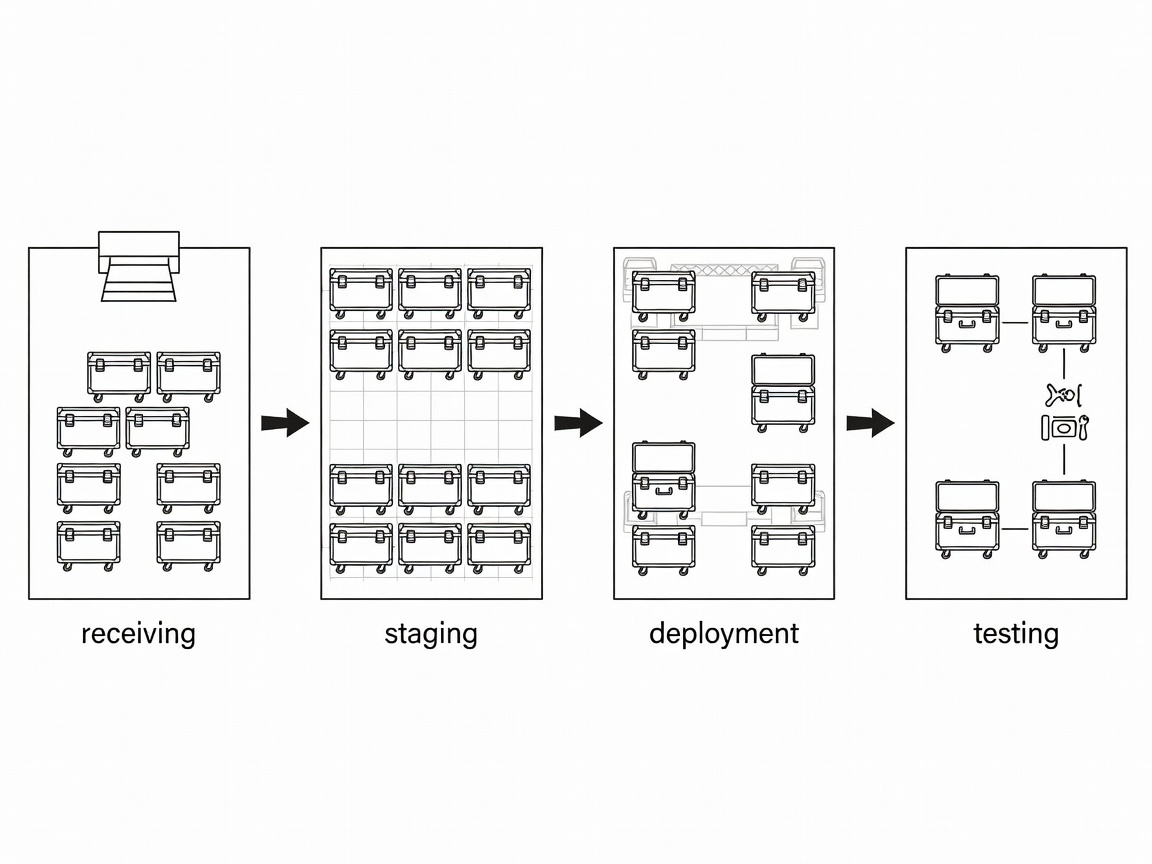
Receive with a manifest and an exception route
Prepare a manifest organised by cases, assets and accessories. Name the person permitted to sign for receipt and distinguish receipt of packages from technical acceptance. Before equipment disperses across the floor, check visible condition, case labels and quantities. Record exceptions immediately using identifiers that will also appear in the return record.
Do not allow an unrecorded replacement to bypass this process. If a supplier changes a display or computer, update the asset list and trigger the relevant compatibility checks. Photograph transit damage without exposing passwords, player data or unrelated people. Store evidence where the authorised operations team can find it, rather than in a single crew member’s private message thread.
Build in dependency order
- Prepare the physical areaConfirm furniture positions, safe circulation and approved cable routes.
- Release venue servicesHave the responsible teams verify power distribution and network availability.
- Deploy the reference buildComplete and accept one station before repeating its configuration.
- Validate the tournament workflowTest game access, communications, administration and recovery.
Use a consistent station identifier on the floor plan, asset record and fault log. When someone reports that a player cannot hear team communication, a station identifier is more useful than “the desk near the entrance.” Label cable ends and avoid relying on cable colour alone, especially where several contractors use different conventions.
Keep qualified electrical work with the authorised venue or electrical team. Production crew should not improvise distribution changes to recover a schedule delay. Similarly, changes to switching, DHCP or VLAN assignments should go through the network lead. A local workaround may fix one station while breaking the tournament-wide configuration.
Protect the configuration window
Separate software preparation from uncontrolled updating. Confirm which game build the tournament requires, when launchers may download content and who can approve driver changes. Batch downloads and authentication attempts can behave differently from a single test station. Rehearse realistic concurrent access without introducing unnecessary load into a live venue network.
Production connections need their own checks. If an observer station feeds a Blackmagic Design ATEM switcher or an Elgato capture device, verify the accepted output format and audio path. A display mode suitable for player use may not be accepted by a capture chain. Keep those requirements visible rather than assuming that every HDMI connection behaves identically.
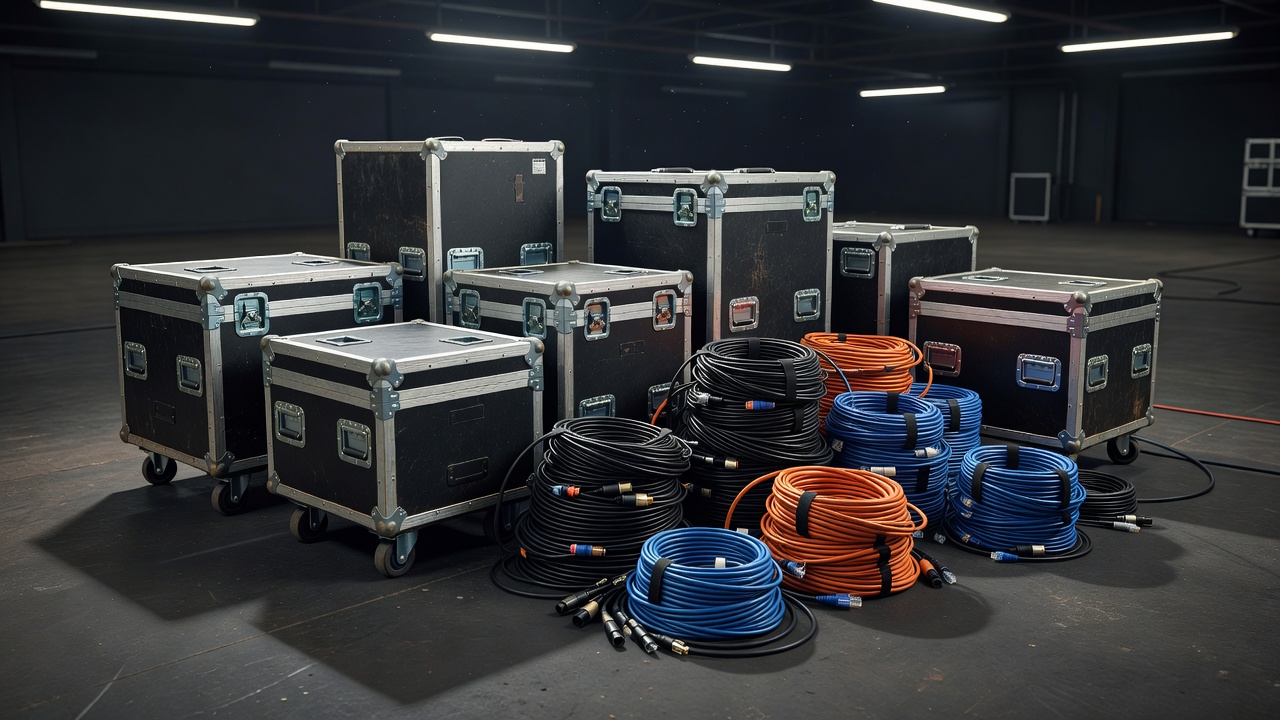
Rehearse recovery before releasing stations
Test more than the ideal path. Restart a station, replace a peripheral and confirm that a support person can locate a known-good spare without interrupting another match. Check whether a swap requires credentials, anti-cheat restarts or administrator approval. Use the observed recovery sequence to set realistic expectations with officials.
At the readiness handoff, record accepted stations, unresolved exceptions and any operating restrictions. Name the person who now owns the match floor and explain how faults enter the support queue. This is the point where delivery becomes an operational service. Keep the same identifiers and evidence for the return and collection process, so the end of the event does not require rebuilding the record from memory.